
Downloading your Oracle eBook to Books for the full experience
Hi there
Thank you for purchasing the Reiki Infused Journaling Oracle Ebook - I am so excited!
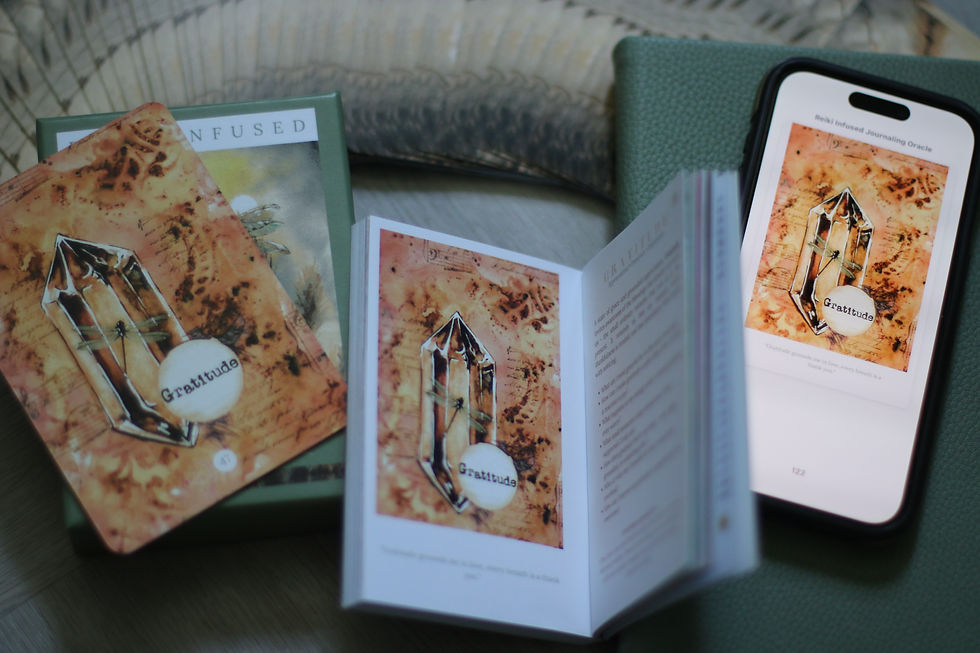
When you receive your download link - give it a minute before you see anything it's a pretty big file! I would recommend downloading on your mobile so that you an add it to your reading app for the full interactive experience. It will be like owning the deck and being able to pick a card at random where ever you are!
Once downloaded - click on the . . . and save to files (the download has a bespoke numerical number as the file name so to save you from having to find it again take a note of it OR share to your book app. Scroll right in the row that you see your apps come up and if Books is not there click more and choose Books . . .
Your Ebook will open on the cover page like this

The third page - index is interactive and you can select a word and it will take you to the card. See here

Or if you click at the bottom on your screen and see all the pages like this you an scroll to the right and select page 136 of 142. It looks like this.

This is where a little magic happens as if you are choose a random oracle card! Close your eyes and let you finger land on the screen - if you land on a number it will take you to the card.
I hope you enjoy your eBook journey! Please don't forget to SHARE and TAG #hookedinrising us on your journey. We love to hear feedback about how the messages land and the healing journey they take you on!
Have fun and please tell others about us!
(Please note that these instructions are based on using an Iphone)


Comments